






Air Cooler Water Pump Not Working: Causes and Checks
When an air cooler’s fan runs but the pads remain dry, the water pump, tank level, pump switch, intake filter or distribution pipe may be the cause. A pump fault is usually noticed as warm airflow, dry sections on the pad or no sound of water movement. Because water and electricity are close together, troubleshooting should remain limited to safe external checks.
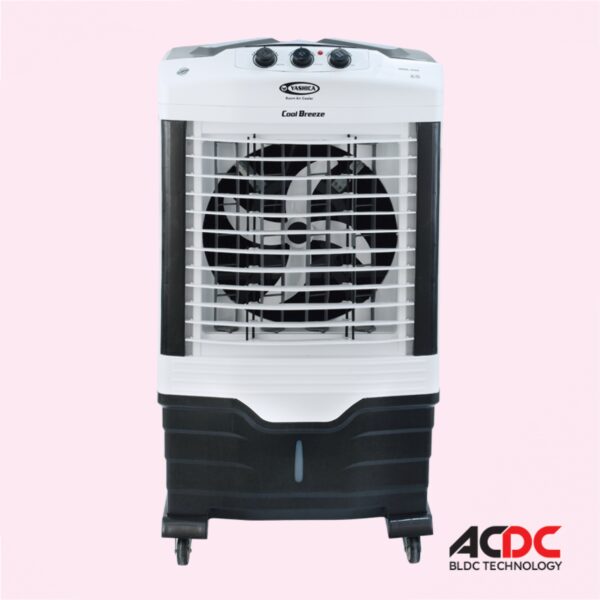
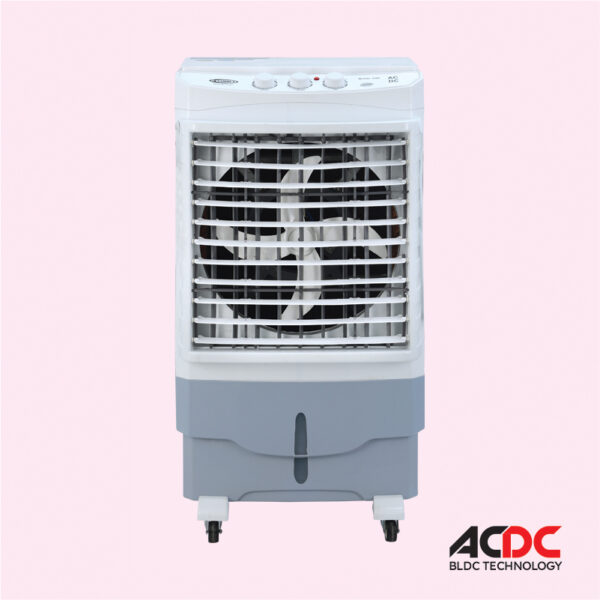
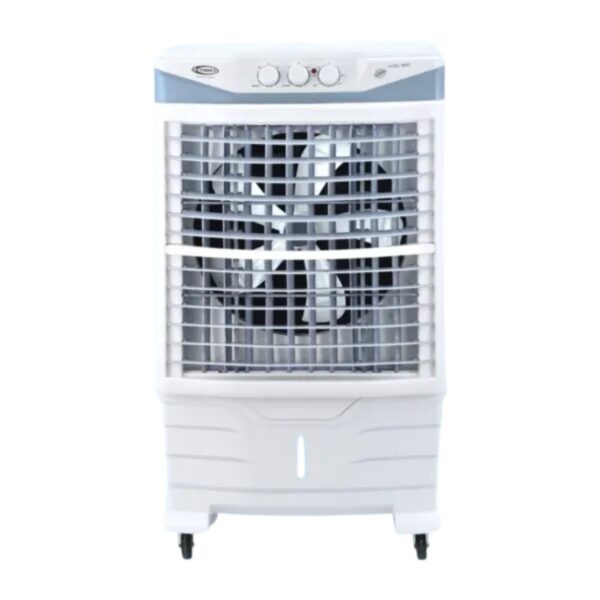
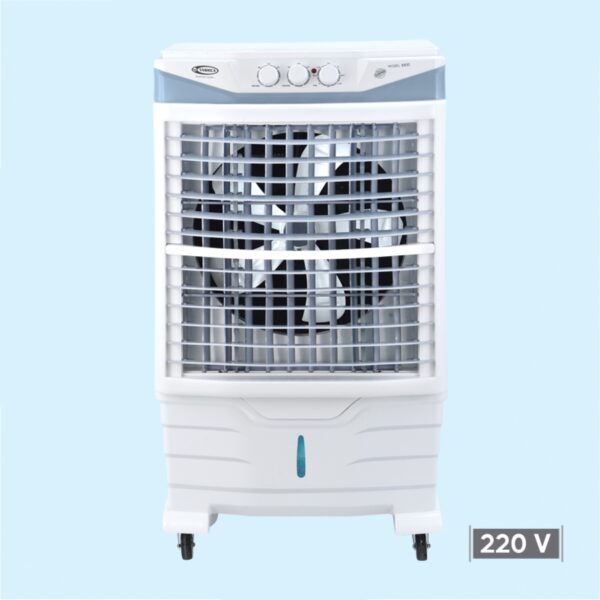
Yashica cooler pages list honeycomb pads, large tanks and continuous-water float valves on models such as the YA-3500-RC-AC/DC and YA-8400-RC. The pages do not publish pump wattage, pump model or internal wiring.
Electrical safety: Switch the cooler or fan off and disconnect its supply before cleaning, checking wiring, moving the appliance or working near water. Do not use wet plugs, loose extensions, undersized solar wiring or improvised battery connections. Burning smells, hot plugs, repeated tripping or damaged cables require a qualified electrician or technician.
Common signs the water pump is not working
| Symptom | Possible cause | Safe first check |
|---|---|---|
| Fan runs but air is not cool | Dry pads, empty tank or failed pump | Switch off and check water level |
| Pump makes no sound | No power, jammed impeller or failed switch | Confirm the pump mode was selected |
| Pump hums but no water moves | Blocked intake, airlock or seized impeller | Unplug and inspect accessible filter |
| Only part of pad gets wet | Blocked top pipe or weak flow | Clean accessible distribution holes |
| Water overflows | Float valve stuck or drain blocked | Close supply and inspect float movement |
Safe check 1: confirm tank water level
A pump cannot circulate water from an empty tank. Check the level indicator or look inside only after switching off and unplugging the cooler. If a float valve is connected, confirm that it has not stuck in the closed position.
Safe check 2: select pump or cooling mode
Many coolers allow fan-only operation. Confirm that the water-pump or cooling switch is on. Do not keep toggling a switch that feels loose, hot or damaged.
Safe check 3: look for a blocked intake
Dust, grass fibres, algae and mineral deposits can block the pump filter. Remove only the user-accessible filter or screen described in the manual. Rinse it with clean water and reinstall it correctly.
Safe check 4: inspect the visible water pipe
A kinked hose or blocked top-distribution pipe can prevent pad wetting. With the cooler unplugged, check visible tubing for bends. Clean accessible outlet holes with a soft brush or wooden tool rather than a metal needle.
Safe check 5: confirm the cooler is level
An uneven cooler can send water to one side of the pad and leave another side dry. Place the unit on a stable level floor and lock wheels where the design allows.
Safe check 6: remove an airlock where the manual permits
A pump that has run dry may trap air. Refill the tank and follow the manufacturer’s priming instructions. Do not open the electrical pump housing or run it outside water unless it is specifically designed for dry testing.
Reasons the pump may fail
- Running without water
- Algae or sludge in the tank
- Hard-water scale
- Loose or damaged switch
- Blocked intake filter
- Broken impeller
- Damaged wiring
- Incorrect DC or solar supply
AC/DC and solar-cooler checks
If the fan works on backup but the pump does not, confirm whether the backup mode is designed to power both components. Do not connect the pump separately to a battery. The YA-8400-RC-AC/DC page lists a built-in converter and solar operation but does not describe separate pump electrical ratings.
Hard-water maintenance
Mineral deposits are common in parts of Punjab and Sindh. Drain old water, clean the tank and rinse pads regularly. Use only a descaling method approved for the pump and plastic tank. Strong acid can damage seals and create harmful fumes.
When professional service is required
- The pump trips the breaker or heats the plug.
- There is a burning smell.
- Water has entered the switch panel or motor area.
- The pump hums after the filter and pipe are clear.
- Wiring is cracked or exposed.
- The cooler leaks from inside the body.
- The float valve cannot stop the supply.
Yashica’s cooling-efficiency guide already covers routine tank, pump and float-valve care. This troubleshooting article goes deeper into symptom-based checks while avoiding internal electrical repair.
Preventing future pump problems
- Never run the pump with an empty tank.
- Drain stagnant water weekly during heavy use.
- Keep ice pieces away from the pump intake.
- Clean the filter and tank before summer.
- Allow pads and tank to dry before winter storage.
- Use a stable water supply with the float valve.
- Stop operation when the pump sound changes.
Frequently asked questions
Why is my air cooler fan working but not cooling?
The pads may be dry because the tank is empty, the pump is off, the filter is blocked or the pump has failed.
Can I test the pump with direct electricity?
No. Do not bypass switches or connect an unknown pump directly to mains, battery or solar power.
Why is only one side of the honeycomb pad wet?
The cooler may be unlevel or the top distribution holes may be blocked.
Can ice damage the pump?
Loose ice pieces can block or damage some pump intakes. Use the model’s ice box or re-freezable packs as instructed.
Do Yashica pages list pump wattage?
The audited cooler product pages do not publish pump wattage.
Where can I request service?
Use the Yashica contact page and provide the model and exact symptom.
Conclusion
Begin with water level, pump mode, accessible filter, visible pipes and level placement. Stop when there is electrical heat, a burning smell, water in controls or a pump that continues humming without flow. Internal pump and wiring work belongs with a technician.